Please use Desktop for best viewing experience

Top revenue teams ❤️ Nektar
Unlike browser-based tools that create gaps and inconsistencies, Nektar runs quietly in the background to capture every sales interaction automatically and deliver clean, complete, and trustworthy CRM data.
Nektar vs Weflow
Invisible by Design. Accurate by Default.
Trusted by leading B2B revenue teams for Accurate Salesforce-ready data








Features


Sync Architecture
100% API-to-API Backend.
Zero adoption required. No toggling settings.
Chrome Plugin + Backend Sync.
Requires reps to manually toggle "background sync" to avoid duplicate data entry.
Opportunity Association Accuracy
Context-Driven Matching.
Uses AI to analyze participant match, email
context, timestamps, and metadata to ensure
high accuracy.
Domain-Only Matching.
Limited if/else logic that often leads to incorrect
contact and activity associations
Association Accuracy
Intelligent Context.
Uses proprietary relationship inference to
handle enterprise complexity (e.g., partners
involved, multiple open opps) by understanding
who is involved and what is being discussed.
Not built for enterprise complexity
Identify Decision Makers
Automated Identification.
Automatically identifies key decision-makers
based on Job Titles and Engagement levels.
Does not support this; reps have to manually figure out and add this information.
Creating Missing Contacts (If Account Exists)
Relevance Checks.
Adds only relevant contacts, filtering out
bounced or unsubscribed emails to ensure high
engagement data.
No Relevance Checks.
Adds contacts without checks, leading to
potential database clutter.
Creating Missing Contacts (If Account Missing)
Wait & Stitch
Creates the contact but holds activity. As soon as
the account is added, Nektar retroactively logs the
activity to keep everything synced.
Orphan Creation.
Creates the contact but doesn't attach it to any
account, resulting in lost context and "orphan" records.
Contact Enrichment
Auto-Enrichment
Automatically adds details like Job Title and
Phone Number using your own data to ensure
compliance.
Does not offer enrichment; all data entry is manual.
Historical Intelligence
Full Retroactive Sync
Can write contacts and activities to closed
opportunities to reconstruct historical buying
committees.
Go-Forward Only
Cannot log emails or contacts to closed
opportunities. You lose the ability to analyze
past Deal DNA.
Meeting Intelligence
Logs critical meeting details such as who’s joining, meeting type, product / use case discussed, objections raised, RSVP, etc. in the event object.
Doesn’t Integrates with Zoom, Gmeet, MS Teams
Multi-User Attribution
Zero Duplicates
Writes a single parent event and auto-creates child events for each internal attendee (AE, SE, CSM), ensuring full credit.
Primary Contact Only
Logs activity only under the meeting organizer, making attribution difficult and often missing credit for other team members.
Why Nektar.ai Wins?
Connect contacts to deals with context, not just logic.
Nektar goes beyond simple rules, using AI to understand the situation, ensuring that contacts are linked to the right opportunities, even with complex data.
No user adoption required
Nektar's AI seamlessly integrates into existing workflows, meaning your team doesn’t need to change their habits to start benefiting from better data capture.
Automatic identification of key decision-makers.
Nektar uses context to automatically identify the most influential people in a deal, removing the guesswork for your team.Smarter. Simpler. Better.
Keep your data clean and relevant without manual effort.
Nektar filters out irrelevant contacts and activities automatically, saving time and maintaining clean, actionable data without relying on manual data entry.
Hear from our Customers
Frequently Asked Questions
Can Nektar and Weflow be used together, or is it one or the other?
They can technically coexist, but they largely overlap in purpose. If you're already using Weflow and hitting data quality issues — orphan records, incorrect opportunity associations, missing historical data — Nektar is built to solve exactly those problems at the infrastructure level. Most teams switch rather than layer both.
We're a small sales team. Is Nektar overkill compared to a simpler plugin like Weflow?
Nektar's value scales with deal complexity, but clean CRM data matters at any team size. The key question isn't size — it's cost of errors. If a misattributed contact or orphan record creates manual cleanup work for your RevOps team, Nektar pays for itself quickly. If your deals are simple and your reps are disciplined about manual logging, Weflow may suffice
Do I need to already be using Salesforce to use Nektar?
Yes. If your team runs on Salesforce or Migrating to Salesforce and want cleaner, AI-ready CRM data without manual effort, Nektar is a strong fit. If you're on HubSpot or another CRM, Nektar isn't the right tool today.
What if our CRM data is already messy? Does Nektar require clean Salesforce hygiene first?
No — and this is a key distinction. Gong's own documentation warns that its matching requires strong CRM hygiene to work accurately. Nektar is designed to work despite messy CRM data, and in many cases creates the missing data that was causing the hygiene problem in the first place.
How does Nektar handle rep turnover — does activity data get lost when a rep leaves?
No. Because Nektar captures data at the API level — not through a rep-installed plugin — activity capture is tied to your organization's email and calendar, not to individual rep accounts. When a rep leaves, their historical interactions with accounts and opportunities remain intact in Salesforce.
What happens to Nektar data if we cancel our contract?
Because Nektar writes everything to native Salesforce standard objects, your data stays in your CRM regardless of your Nektar contract status. You're not locked into a proprietary UI to access your own deal history — unlike platforms that keep insights locked behind their interface.
How long does historical backfill take, and how far back does it go?
Nektar can backfill up to 12–18 months of historical email and calendar data. Timeline depends on data volume and your email provider. The Nektar team scopes this during onboarding, and in most cases teams see enriched historical data within days of deployment.
How does Nektar handle data privacy and security?
Nektar is SOC 2, ISO27001 and CASA compliant, built with enterprise-grade security. You can review the full trust posture at Nektar's trust page.
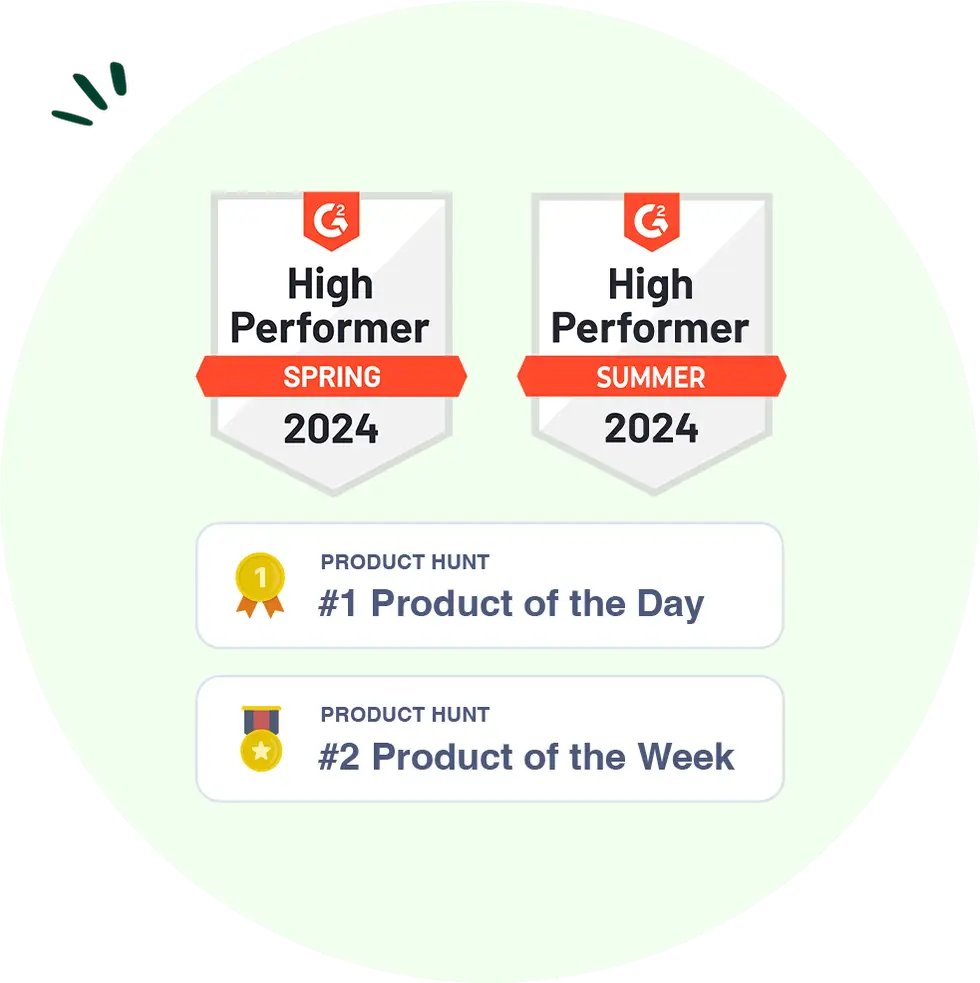
A Sweet Milestone: Nektar Earned G2 and Product Hunt Badges!
Thanks to our wonderful users, Nektar has earned the G2 and Product Hunt Badges! Your support keeps us improving every day. Thank you for being part of the journey!
Done cleaning up orphan records and
chasing reps to log activities?
There’s a better way!
