
12 Best Revenue Intelligence Tools for 2026
- RevOps
- 15 min
- Updated: July 21, 2026
Revenue intelligence uses AI to capture and analyze customer interaction data like emails, calls, and meetings across sales, marketing, and customer success. It turns raw activity into insight you can act on, throws light on which deals are actually healthy, which reps need coaching, and where the pipeline is quietly leaking.
For most of this category’s history, revenue intelligence fed a human decision-maker who applied judgment before acting on what the data said. Increasingly, that same data now feeds AI agents that directly update CRM fields, flag risks, and trigger workflows with a lot less human judgment sitting between the insight and the action.
Gartner projects 40% of enterprise applications will include task-specific AI agents by the end of 2026. That raises what “good revenue intelligence” needs to mean: not just insight a person can use, but data clean enough for an agent to act on without making things worse.
Get our latest insights into your inbox

What Is Revenue Intelligence?
Revenue intelligence is a data-backed, AI-driven approach to understanding and forecasting revenue. It pulls raw interaction data from across your revenue functions like sales, marketing, customer success, and turns it into insight: which deals are trending toward close, which are stalling, and what a rep should actually do next.
How Revenue Intelligence Platforms Create Impact
1. It integrates siloed data
Most organizations have sales, marketing, and customer success data trapped in separate systems. Revenue intelligence pulls it into a single, continuously updated source of truth rather than treating data cleanup as a one-time project.


Rosalyn Santa Elena
Founder, The RevOps Collective
I have seen a lot of companies try to clean up their data through third parties as a one-time event. But you can't approach your data as a one-time action. It's an ongoing and iterative process.
2. It closes the gap between what’s logged and what actually happened
A large share of buyer-seller activity never makes it into the CRM at all. Meetings go unlogged, or nobody adds key stakeholders as a contact. Revenue intelligence automates that capture instead of relying on reps to remember.
3. It surfaces deal risk before it’s a lost deal
Multithreading gaps, stalled engagement, missing buying-committee coverage are all visible in interaction data well before they show up as a lost opportunity in the pipeline report.
4. It improves rep coaching
Instead of an interrogation-style deal review, revenue intelligence gives managers specific, data-backed coaching moments like this deal has gone quiet, or this rep hasn’t engaged the economic buyer, rather than generic advice.
5. It drives more predictable revenue
As much as 80% of sales organizations miss the mark on revenue forecasting by 25% or more. The primary underlying reason is dirty data. Without an accurate forecast, your teams won’t have any direction for revenue strategies. Using revenue intelligence, you can create quality forecasts to help your team budget, strategize business growth, set long-term goals, and secure funding.
Also, given their use of AI, your forecasts are void of bias resulting from less manual intervention.

Asia Corbett
Senior RevOps Manager, GTM, Bread Financial
If you don't have good data, you can't forecast. If you can't forecast, you can't build a scalable and repeatable sales motion. You don't know what your pipeline is going to be, or what money is going to come in.
12 Best Revenue Intelligence Tools for 2026
- Nektar: GTM data foundation and AI signal layer
- Salesforce CRM Analytics: native Salesforce analytics and predictive insights
- HubSpot Sales Hub: CRM and sales engagement for HubSpot-native teams
- ZoomInfo Chorus: conversation intelligence backed by B2B data
- Xactly: revenue intelligence tied to incentive compensation
- Mediafly Intelligence360 (formerly InsightSquared): revenue analytics and forecasting
- Revenue.io (formerly ringDNA): sales engagement and conversation guidance
- Kluster: forecasting and pipeline process standardization
- Salesloft: sales engagement, now part of Clari + Salesloft
- Akoonu (RevWorks): native Salesforce forecasting and pipeline intelligence
- Cien: AI-driven sales performance analytics
- Aviso AI: agentic forecasting and revenue execution
Overview of the 12 Best Revenue Intelligence Tools
1. Nektar
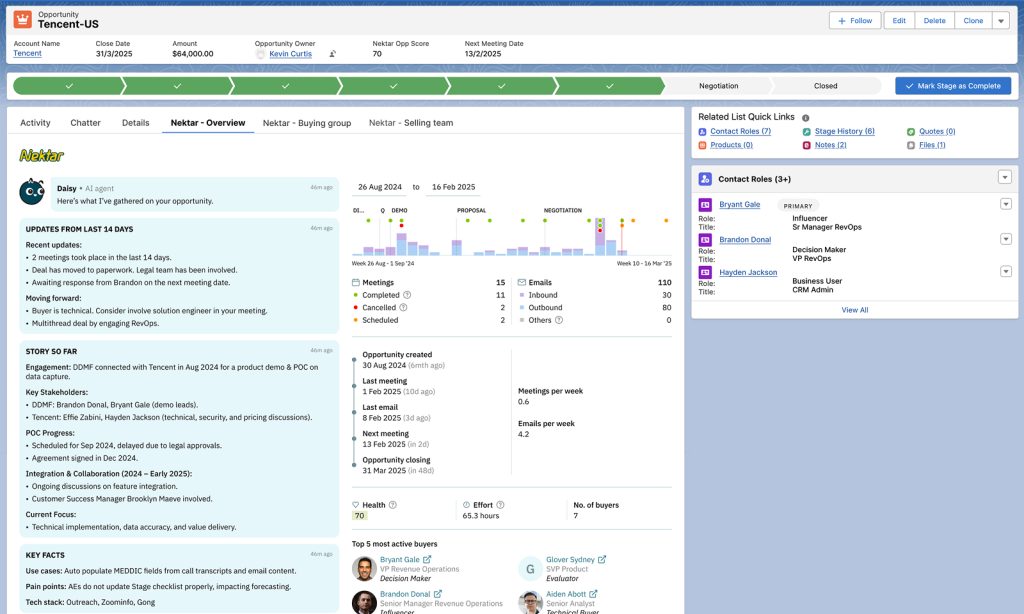
Nektar is the GTM telemetry platform that automatically captures every customer interaction and delivers clean data to your CRM, data warehouse, and AI applications, all with zero manual entry or adoption friction.
It makes Salesforce safe for AI execution. As more of your GTM stack, be it Agentforce, Clari, your own AI agents, starts acting on CRM data autonomously, the CRM has to be complete and correct, continuously, or every agent built on top of it inherits the error.
Nektar flows this valuable data directly into core business systems like Salesforce, Snowflake, Claude and your entire stack, ensuring customer insights are accessible across all GTM teams & downstream AI initiatives.

Pankaj G
Head of GTM Systems, Nektar
Nektar solved our biggest CRM data problem: incomplete and inconsistent activity data in Salesforce. Contacts were missing from opportunities, engagement history was spotty, and any report built on activity data was unreliable. Now activities flow into Salesforce automatically and land on the right accounts and opportunities, with contacts created and linked as opportunity contact roles without anyone touching a keyboard.
Notable features: zero-rep-effort capture, buying-group intelligence, Time Travel™ retroactive correction, Daisy AI signal library (39 signals across 8 categories), vendor-neutral integration alongside your existing sales stack.
Pricing: Custom, based on team size and scope. A free CRM scan will show how much of your own pipeline activity is currently missing.
2. Salesforce CRM Analytics
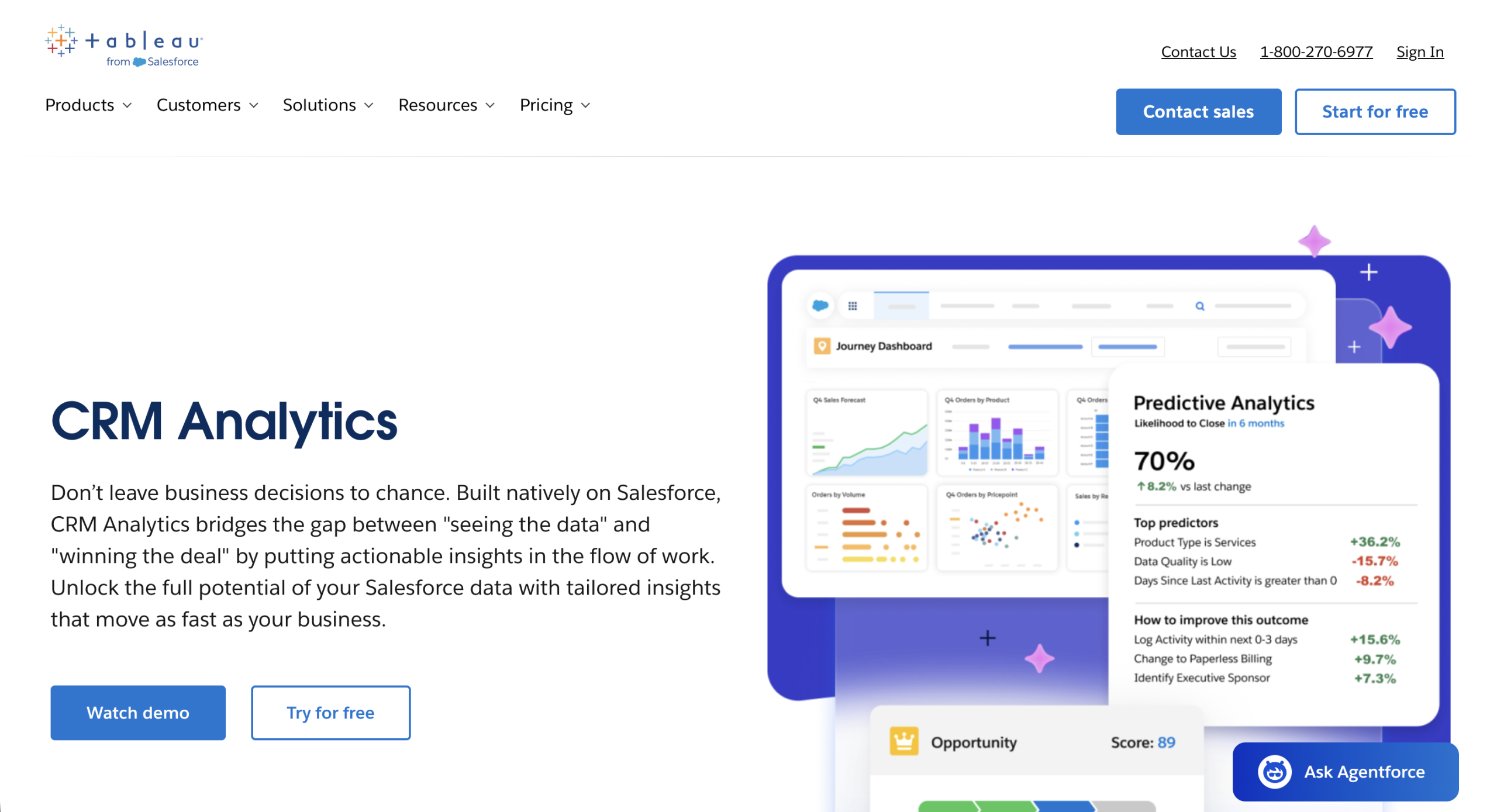
Salesforce CRM Analytics (formerly Einstein Analytics, then Tableau CRM) remains Salesforce’s native analytics layer: predictive insights and next-best-action recommendations embedded directly in the flow of Salesforce work. It’s evolved to connect with Data Cloud and Tableau Next, positioning it as part of Salesforce’s broader agentic analytics push rather than a standalone BI tool.
Notable features: predictive analytics natively embedded in Salesforce, Slack integration for surfaced insights, inherited Salesforce security and governance, connection to Data Cloud for agentic use cases.
Pricing: Tiered by edition; the Revenue Intelligence-focused package has historically run around $200/user/month confirm current pricing directly with Salesforce, since packaging shifts with each release.
3. HubSpot Sales Hub
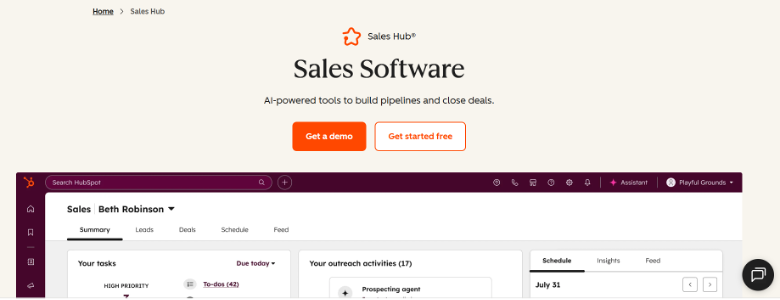
HubSpot Sales Hub centralizes sales activity, pipeline management, and conversation intelligence for teams running on HubSpot, with a free tier and paid tiers scaling up from there.
Notable features: sales automation and sequencing, conversation intelligence, meeting scheduling, deep integration across HubSpot’s broader product suite.
Pricing: Free tier available; paid tiers start around $20/seat/month, scaling with automation and reporting needs. Check HubSpot’s current pricing page, since tiers and seat structures have changed multiple times in the past year.
4. ZoomInfo Chorus
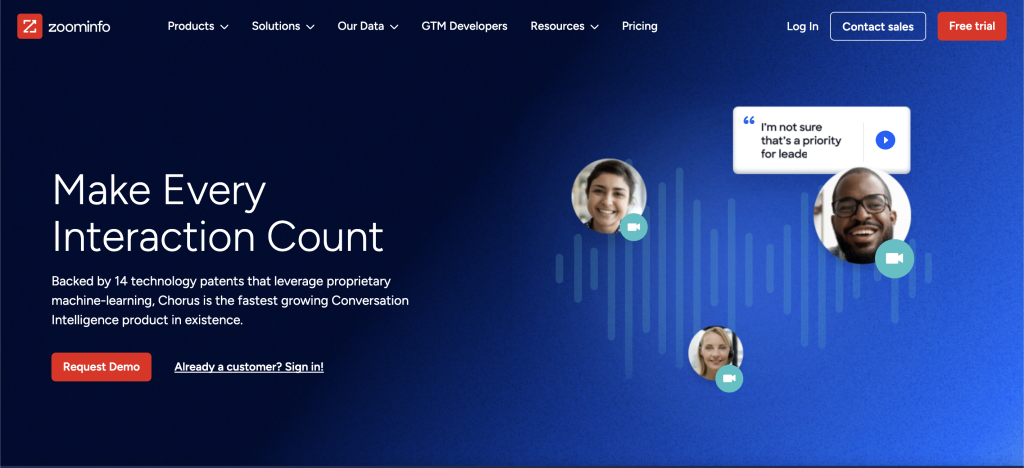
Chorus has been part of ZoomInfo since 2021 (not Zoom, a common mix-up) and now runs on ZoomInfo’s broader B2B data layer, the GTM Context Graph. It transcribes and analyzes sales calls for buying signals, risk language, and competitive mentions.
Notable features: conversation intelligence backed by ZoomInfo B2B data, deal-risk and momentum alerts, coaching dashboards, integration with ZoomInfo’s broader GTM platform.
Pricing: Custom, quote-based.
5. Xactly
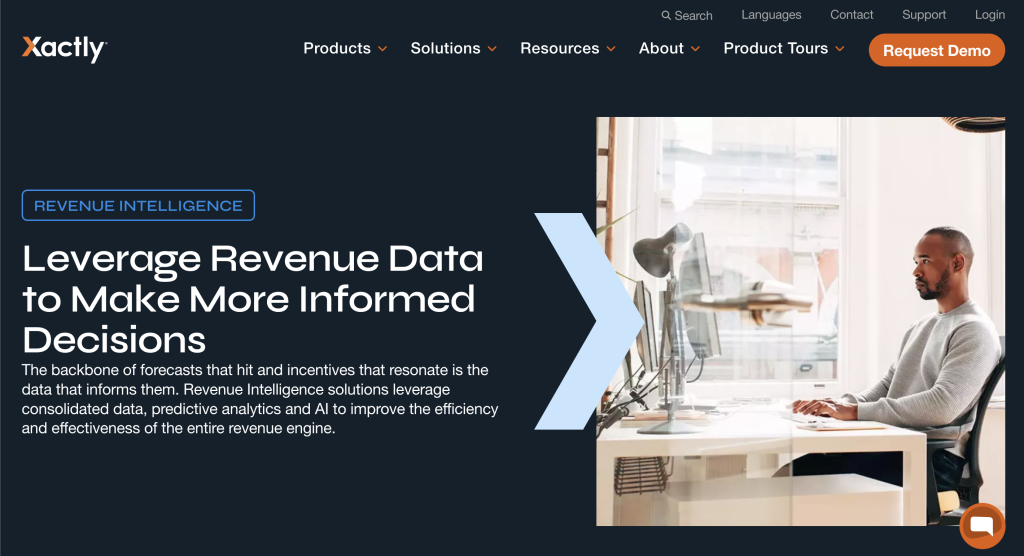
Xactly combines incentive compensation management with revenue intelligence — forecasting, pay-performance analytics, and market benchmarking aimed at aligning rep incentives with revenue outcomes.
Notable features: forecasting and pipeline management (Xactly Forecasting), pay-and-performance analytics (Xactly Insights), market benchmarking, cross-system data integration.
Pricing: Custom, quote-based.
6. Mediafly Intelligence360 (formerly InsightSquared)
InsightSquared’s standalone product was retired in January 2023 after Mediafly’s 2021 acquisition; its capabilities now live inside Mediafly Intelligence360, spanning conversation intelligence, activity capture, forecasting, and RevOps dashboards.
Notable features: AI-powered forecasting, live pipeline management, call recording and transcription, interactive RevOps dashboards.
Pricing: Custom, quote-based; third-party sources cite a starting price around $65/month for lower tiers, with most enterprise deployments quote-based.
7. Revenue.io (formerly ringDNA)
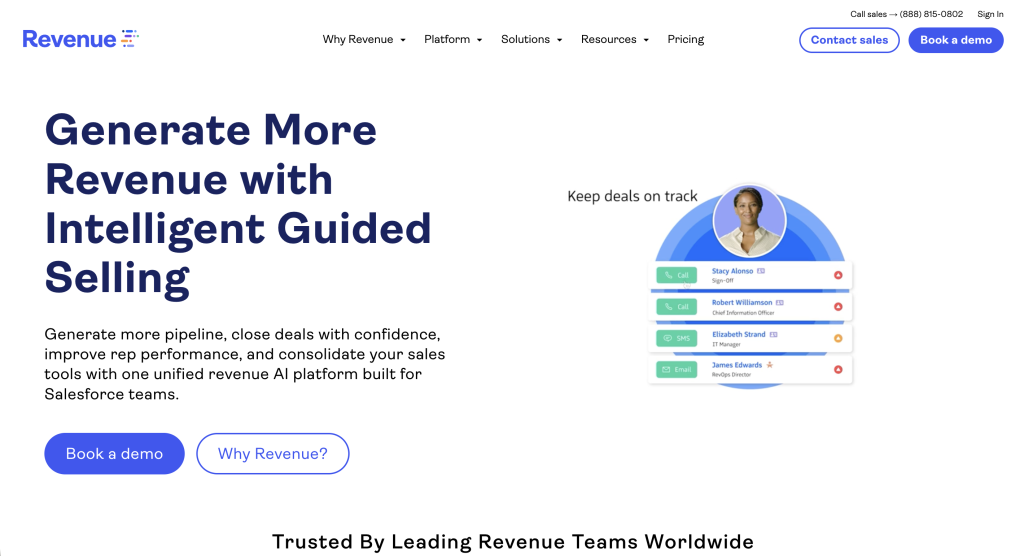
Revenue.io logs sales engagement activity and delivers real-time conversation guidance — nudges reps toward the next best action based on what’s actually happening on a call.
Notable features: conversation intelligence and live nudges, sales forecasting, coaching insights, multichannel playbooks.
Pricing: Custom, quote-based across four packages.
8. Kluster
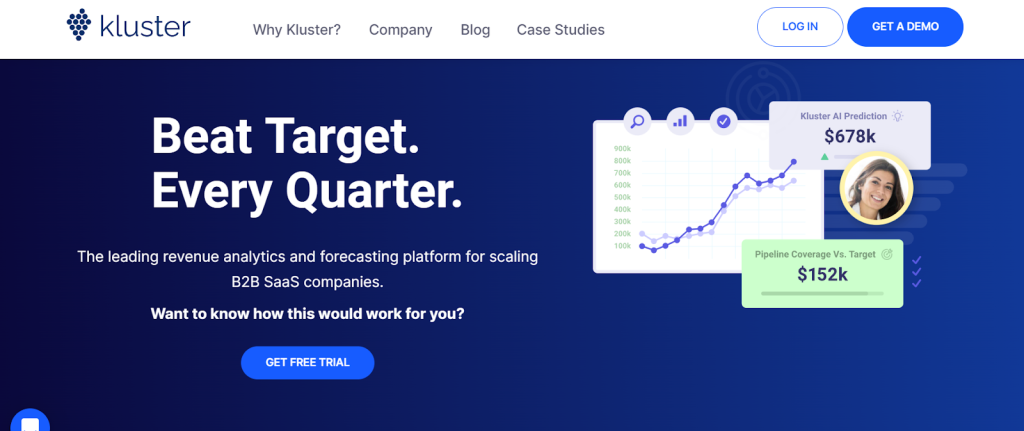
Kluster standardizes the forecasting and pipeline-review process with consistent cadence, repeatable reporting, and pipeline-change analysis rather than a rebuilt process every cycle.
Notable features: live forecasting, revenue analytics, pipeline-change tracking, security alerts for pipeline anomalies.
Pricing: Custom, with a free trial available.
9. Salesloft
Salesloft, now part of the combined Clari + Salesloft entity following their December 2025 merger, remains a leading sales engagement platform with offerings like cadence automation, dialer and messaging, and forecasting for outbound-heavy teams.
Notable features: automated multichannel cadences, dialer and messenger, sales forecasting, coaching workflows.
Pricing: Custom, quote-based.
10. Akoonu (RevWorks)
Akoonu, rebranded around its RevWorks platform, builds forecasting and pipeline intelligence 100% native to Salesforce. No external data sync, live Salesforce data throughout, with an AI assistant (Oonu) layered on top for deal-level context and risk flags.
Notable features: native Salesforce forecasting with structured submission cadence, pipeline reviews and scenario modeling, quota management, AI-generated forecast digests.
Pricing: Starts around $50/company/month for base tiers; RevWorks AI tier priced separately. Org-wide pricing rather than per-seat.
11. Cien
Cien analyzes sales performance data to identify what’s actually driving (or blocking) quota attainment, factoring in behavioral and human elements alongside raw activity metrics.
Notable features: sales performance dashboards, rep scorecards, deal prioritization, coaching intelligence.
Pricing: Historically around $500/month flat for a single team, or $49/month per user for a full sales organization; confirm current tiers directly.
12. Aviso AI
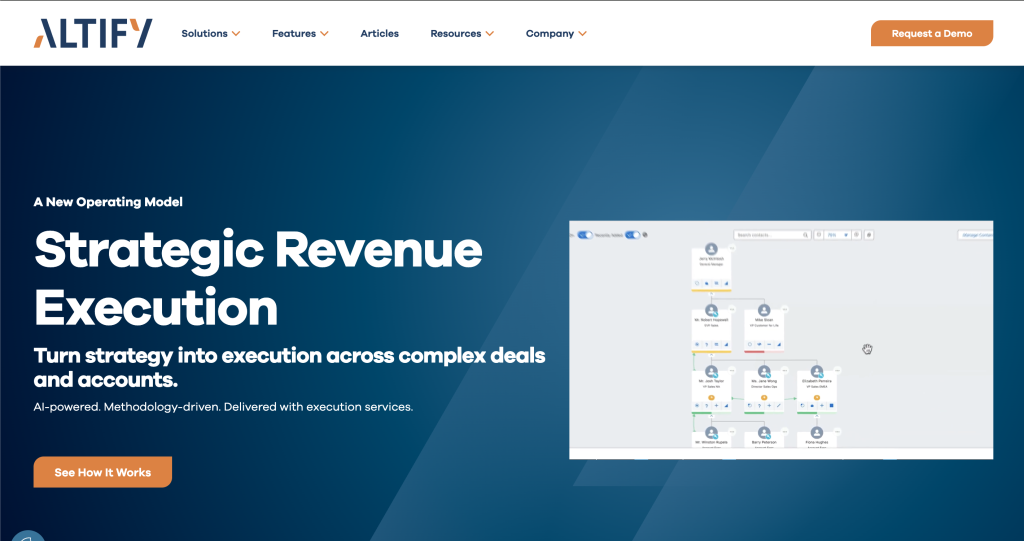
Aviso has moved from a pure forecasting tool into an agentic revenue platform built around MIKI, a conversational orchestrator that queries pipeline data and triggers CRM updates directly, alongside a library of 50+ pre-built revenue agents.
Notable features: MIKI conversational AI orchestrator, predictive forecasting, real-time deal coaching, no-code agentic workflow builder.
Pricing: Custom, quote-based.
Revenue Intelligence Tools Compared
How to Roll Out Revenue Intelligence Tools
- Understand rep needs first. Figure out where reps actually lose time before choosing a tool to fix it.
- Involve reps early. Adoption depends on reps understanding why a tool matters to them specifically, not just to leadership reporting.
- Match tools to actual capabilities needed. Not every team needs conversation intelligence, forecasting, and activity capture from the same vendor. Assess what’s actually missing first.
- Define your data sources. Know where your revenue data currently lives before evaluating a tool meant to unify it.
- Pilot before committing. Use demos and trials, and ask specific questions about data completeness and integration depth rather than generic feature checklists.
- Train reps on the “why,” not just the “how.” Deployment doesn’t end at purchase. Reps need to understand the specific use cases that make the tool worth their time.
Frequently Asked Questions
Q. What’s the difference between revenue intelligence and RevOps software?
RevOps software is the broader category: process, planning, and cross-functional alignment. Revenue intelligence is a subset focused specifically on analyzing interaction data (calls, emails, meetings) to surface deal risk and coaching signals. Most RevOps stacks include at least one revenue intelligence tool.
Q. Does Nektar replace conversation intelligence tools like Chorus?
No. Nektar focuses on capturing complete email, meeting, and calendar activity and structuring it in the CRM. It’s vendor-neutral and typically runs alongside a conversation-intelligence tool rather than replacing it.
Q. Why does revenue intelligence matter more now than it did a few years ago?
Because a growing share of the data it produces now feeds AI agents that act on it directly: updating CRM fields, flagging risk, triggering workflows with less human judgment in between. Incomplete or inaccurate data used to just produce a misleading report; now it can produce a wrong automated decision nobody catches in time.
Scale Your Revenue Engine With Trustworthy Data
Revenue intelligence tools are only as good as the data feeding them. Before layering on forecasting, conversation intelligence, or agentic AI, it’s worth confirming the underlying activity data is actually complete. Most CRMs are missing a large share of what’s genuinely happening in a deal.
Get a free CRM scan to see the gap between what’s logged and what’s actually happening in your pipeline, or explore Daisy AI and GTM Telemetry for the full picture of what Nektar surfaces once that gap is closed.
Enjoyed our content? Follow Nektar on LinkedIn