

Top 10 Chrome Extensions for Salesforce in 2026
- Salesforce
- 11 min
- Updated: July 30, 2026
Salesforce is a browser-first platform, and most admins, developers, and reps spend their entire day in a pinned Chrome tab. Chrome extensions exist to make that tab less painful with faster navigation, fewer clicks, and metadata you’d otherwise have to dig for.
It’s a useful reminder that this category moves fast: extensions get deprecated, acquired, or quietly stop supporting Lightning, and a “best of” list from even a year ago can point you somewhere that no longer works. Salesforce Ben’s own comment section flags this exact problem — several older “top extension” posts recommend tools that broke when Lightning matured.
Here’s the current, working list for 2026.
Get our latest insights into your inbox

Top 10 Chrome Extensions for Salesforce in 2026
1. Salesforce Inspector Reloaded
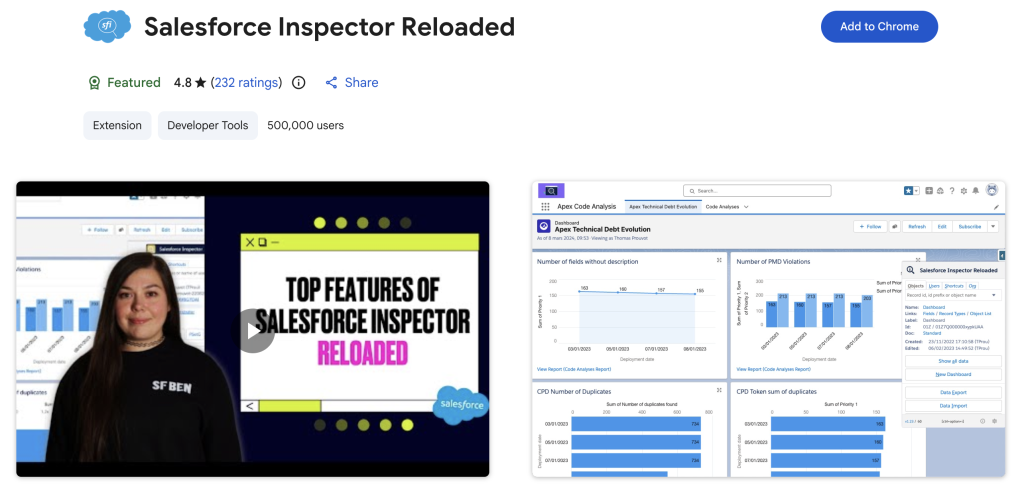
The original Salesforce Inspector is still technically installable, but the community has moved on. Salesforce Inspector Reloaded, maintained by Thomas Prouvot and contributors, replaced it and is now the default recommendation across most current admin/dev roundups. It overlays metadata directly on the Salesforce UI — field API names, object details, permission sets — and adds record and field-level data export, SOQL query execution, and import tooling without leaving the page.
Key features: instant field/API name inspection, in-browser SOQL editor, CSV export/import, permission and profile analysis.
2. ORGanizer for Salesforce
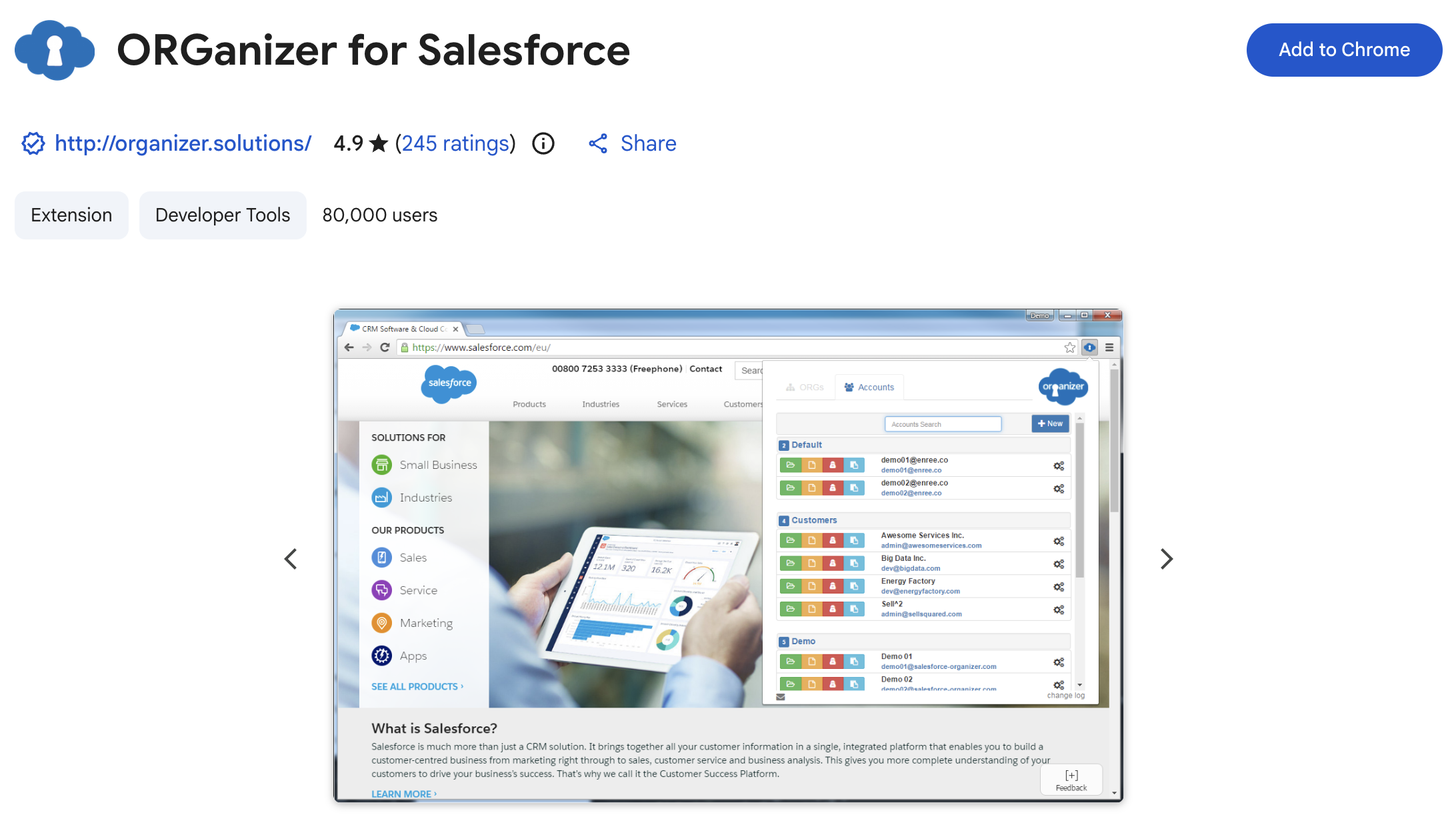
If your team juggles more than one Salesforce org — sandbox, UAT, production — ORGanizer solves the single most expensive mistake in that workflow: making a change in the wrong org. It color-codes and labels browser tabs by org, stores login credentials securely, and gives one-click access to frequently used setup pages.
Key features: org color-coding and labeling, saved credentials, quick-links library, one-click login across environments.
3. Salesforce Advanced Code Searcher
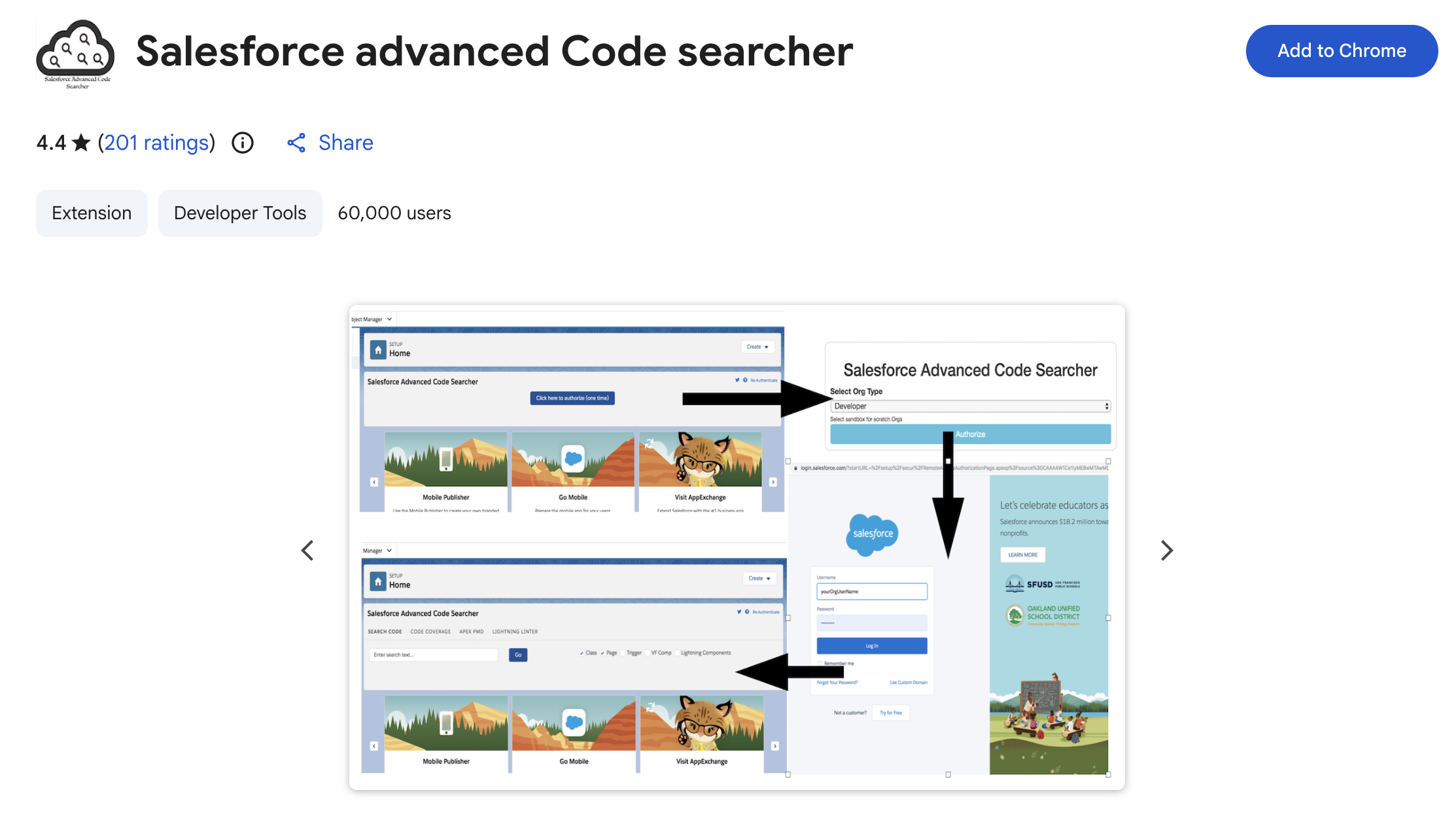
Still one of the fastest ways to search Apex classes, triggers, and Visualforce pages directly inside your org without opening Setup and clicking through menus. The “advanced quick find” panel jumps straight to a specific class or page.
Key features: in-org code search across Apex and Visualforce, advanced quick-find, developer utilities.
Are Browser Tools Enough for Salesforce?
Chrome extensions can improve individual workflows, but they may not solve gaps in CRM-wide data capture and visibility. See how browser tools compare with Nektar’s automated approach.
4. Salesforce Tool Suite
A newer, broader entrant that bundles bulk data operations, debugging, schema exploration, and metadata management into one extension rather than several. Useful if you’d rather run one well-maintained tool than stack five narrow ones — the “one extension per job” principle most current guides recommend.
Key features: metadata reports, real-time debug log analysis, schema explorer, event monitoring.
5. Salesforce Sales Cloud Everywhere (Gmail Integration)
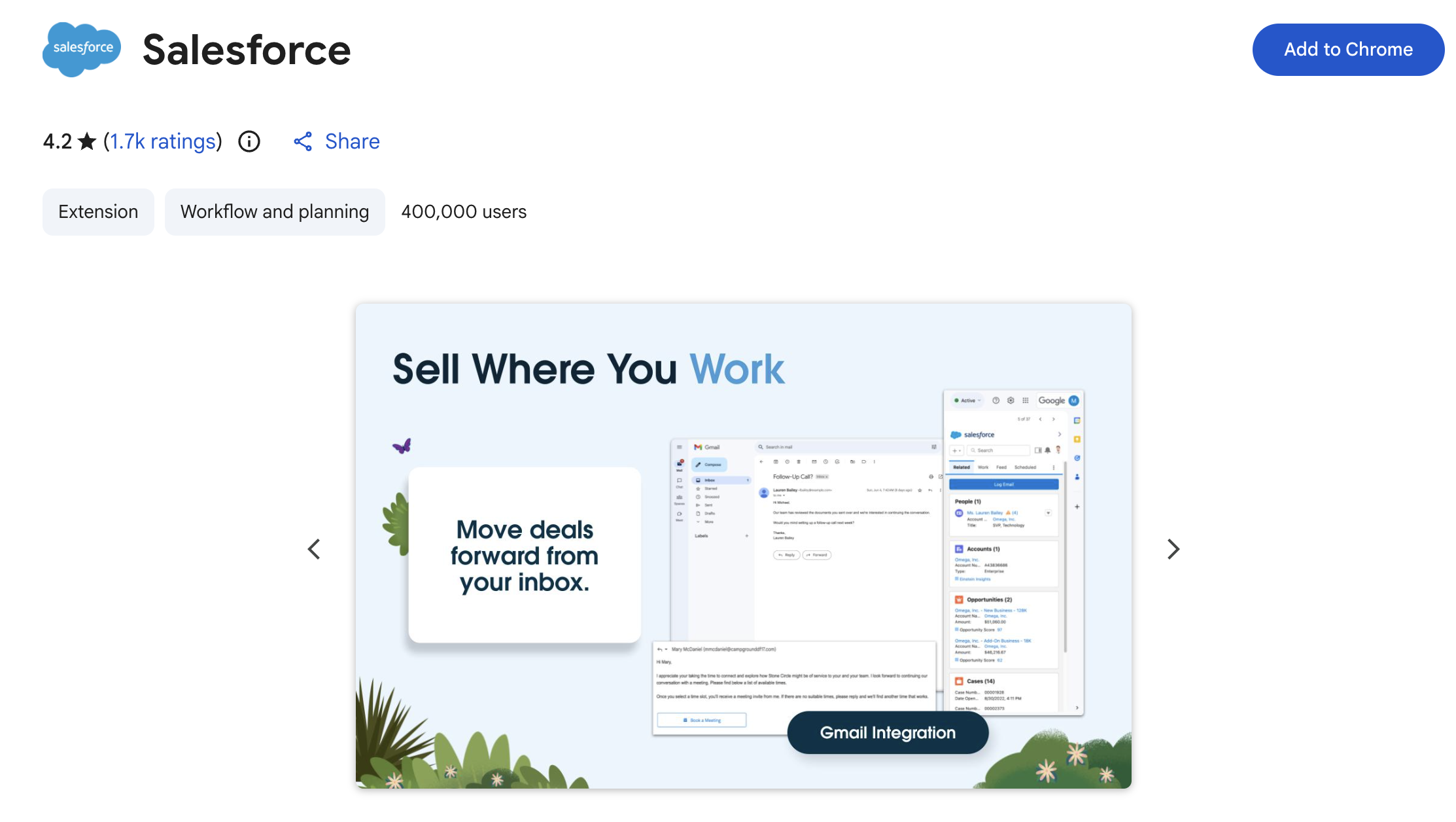
Salesforce’s own native extension, syncing records directly into Gmail. Reps can create and update contacts, tasks, and opportunities, get real-time engagement alerts, and reference Salesforce data without leaving their inbox.
Key features: Salesforce-to-Gmail record sync, in-inbox record creation and updates, real-time engagement notifications, calendar connection.
Want to connect your inbox directly with Salesforce?
Explore our step-by-step guides for setting up and optimizing your email integration.
6. Salesforce Mass Editor
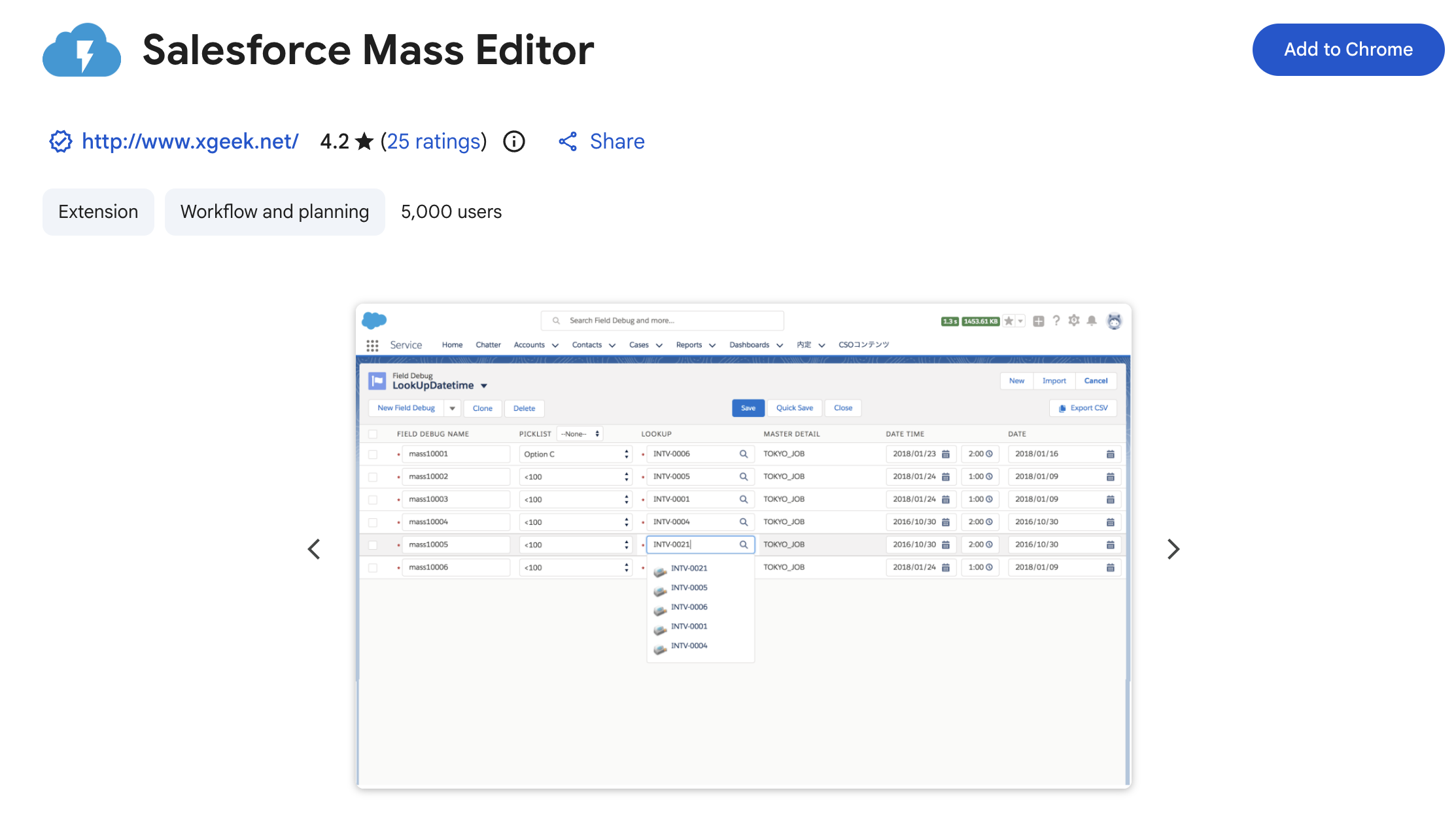
Turns any Salesforce list view into a bulk editor. Insert, clone, update, or delete multiple records in one interface instead of opening each one individually — still one of the highest-leverage extensions for admins doing data cleanup or migrations.
Key features: bulk record editing across Classic and Lightning, list view data export, Excel-based mass data transfer.
7. Revenue Grid for Salesforce and Gmail
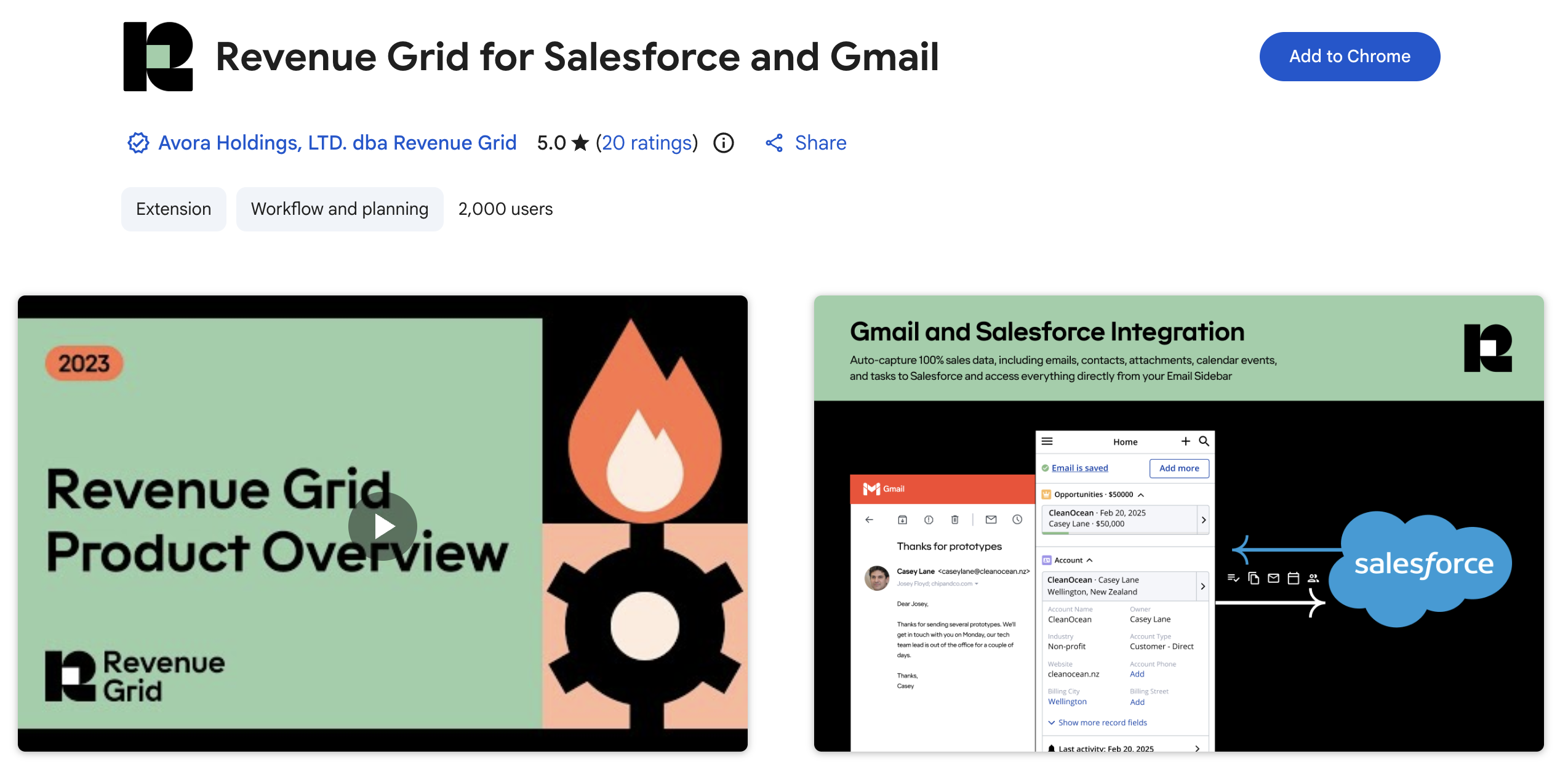
Brings Salesforce and Chatter data into the inbox with an activity-capture layer underneath — logging emails and meetings against records and surfacing pipeline and relationship signals from inside Gmail. It’s the one entry on this list that’s aiming at the same problem Nektar solves (complete, structured activity data in Salesforce) through a different architecture: a rep-installed browser extension rather than a headless integration. Worth understanding the tradeoff before choosing between them — more on that below.
Key features: email sidebar, activity capture, pipeline inspection, relationship-health signals.
8. Salesforce Apex Debugger
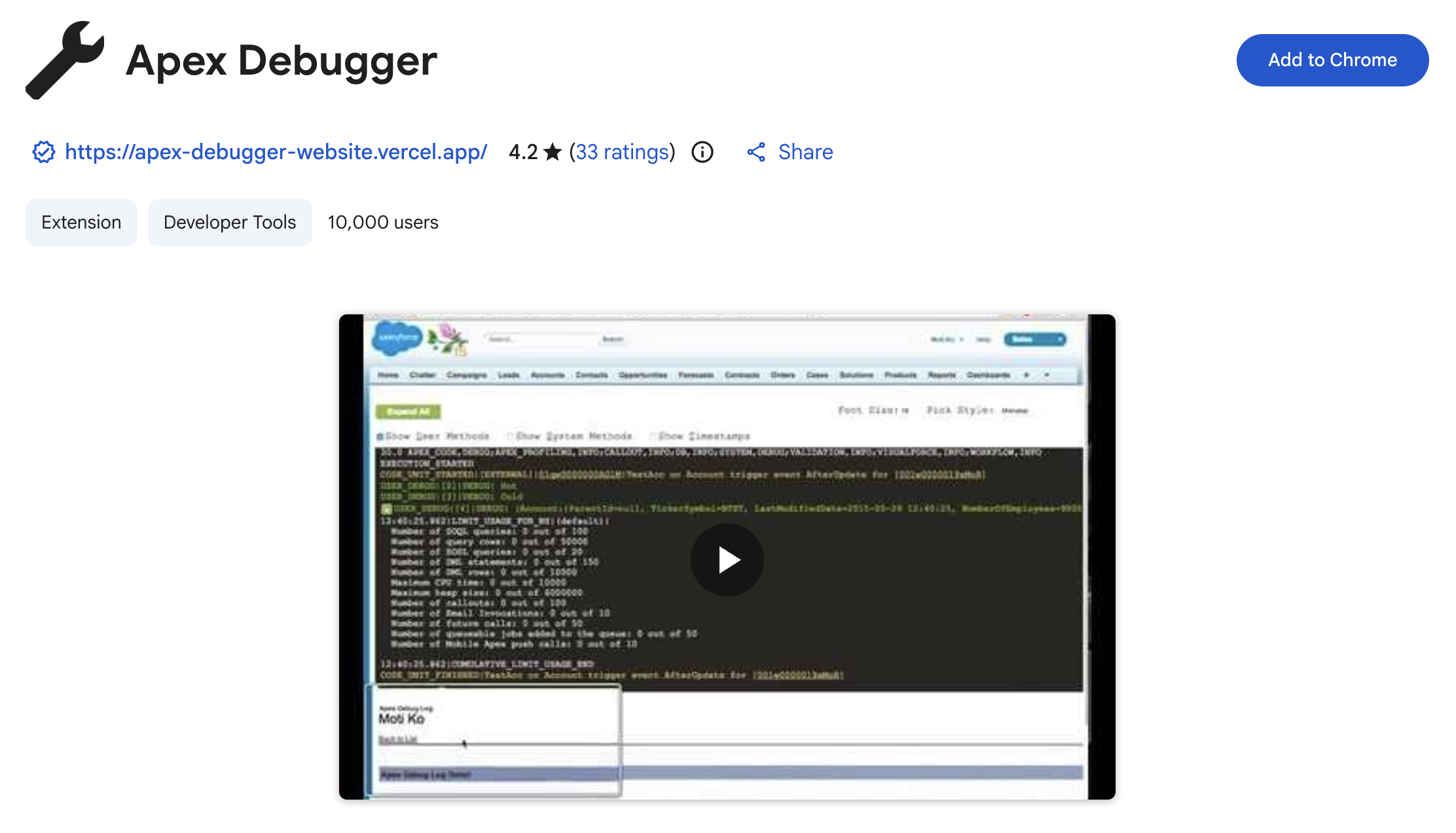
Simplifies working through Apex debug logs — search by string, filter by size or date, and jump to key pages with keyboard shortcuts instead of scrolling through raw log output.
Key features: log string search, size/date filtering, keyboard-shortcut navigation, structured JSON/XML log viewing.
9. Surfe (LinkedIn-to-Salesforce sync)
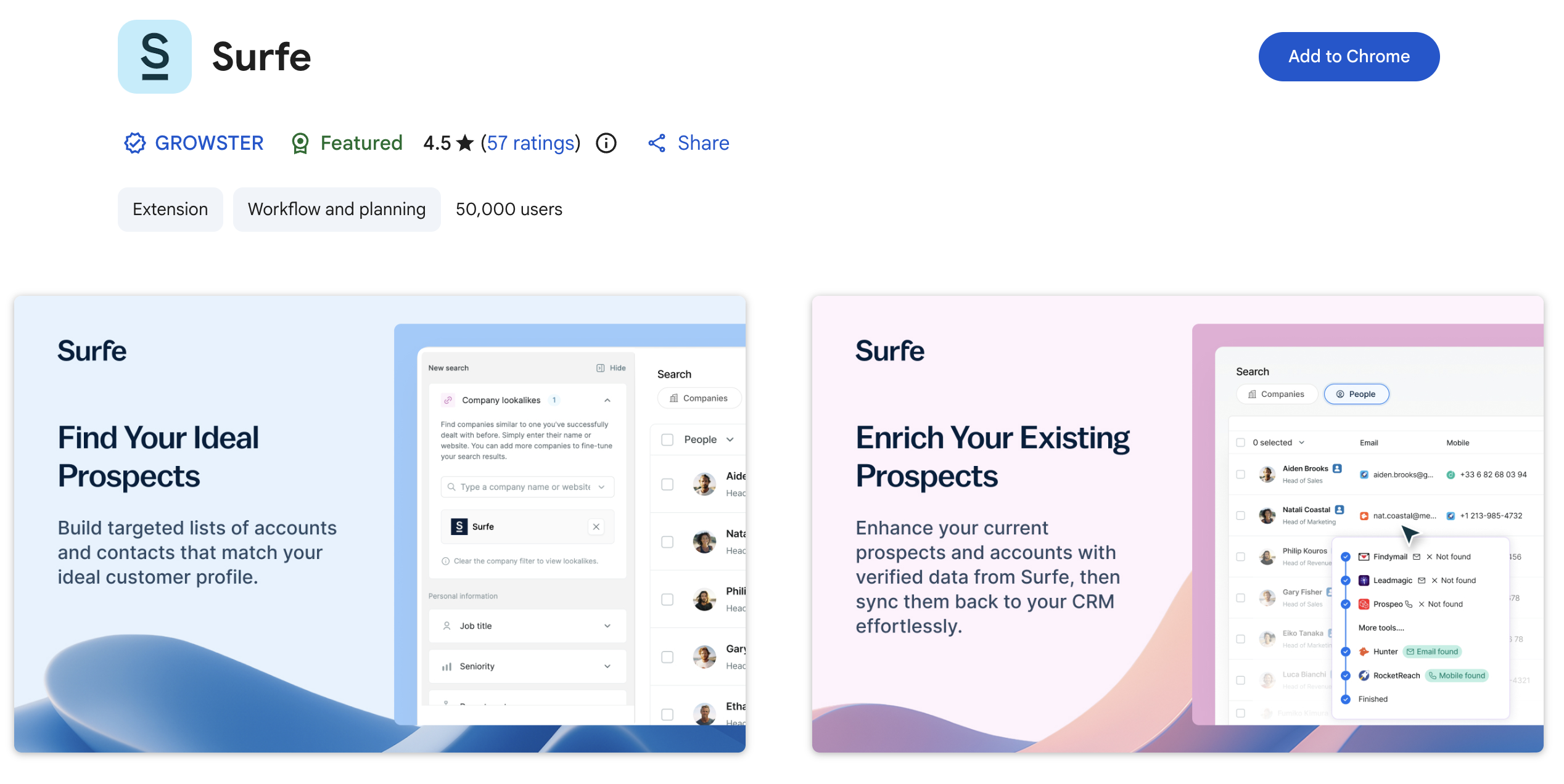
Replaces Clearbit for Salesforce – Lite, which no longer exists. Surfe syncs LinkedIn profile and conversation data directly to Salesforce — one-click contact and lead creation from a LinkedIn profile, message logging as activities, and data enrichment on new records.
Key features: one-click LinkedIn-to-Salesforce contact creation, message and InMail logging, data enrichment on lead/contact creation.
10. Salesforce Navigator for Lightning
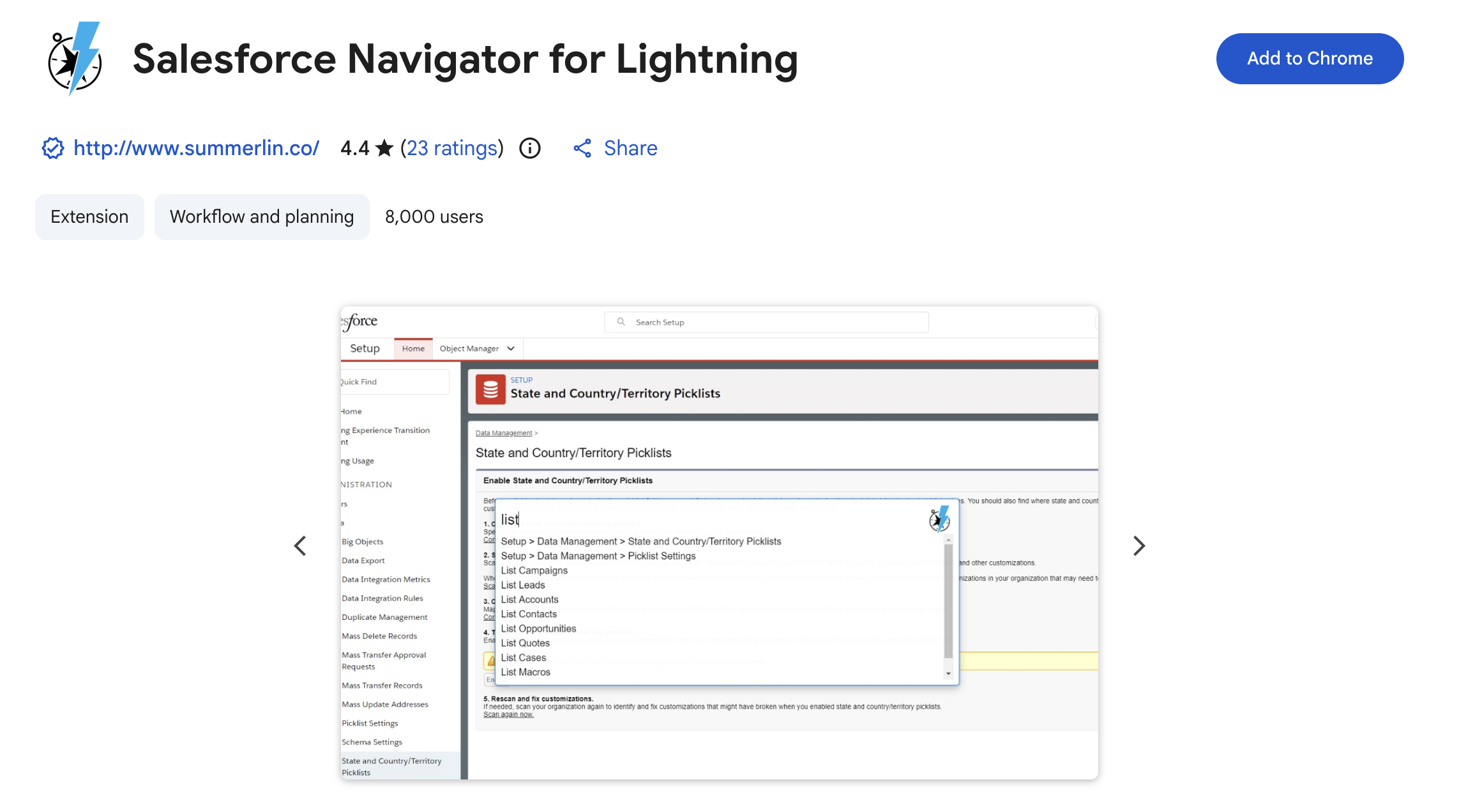
Still one of the simplest productivity wins on this list — type-ahead navigation to any Salesforce page, object, or record without clicking through menus, plus Classic-to-Lightning URL mapping and an account merge tool.
Key features: type-ahead page navigation, Classic-to-Lightning URL mapping, account merge tool, fast task and record creation.
Where Chrome Extensions Hit a Ceiling for Revenue Teams
Everything above is genuinely useful for the job it’s built for. Admin productivity, code search, bulk edits, faster navigation: these are real time savings, and a browser extension is the right shape of tool for all of them.
Data capture is a different job, and it’s worth being honest about why browser extensions are a weaker fit for it, since #7 on this list (Revenue Grid) and #5 (Sales Cloud Everywhere) are both trying to do it.
A browser extension only sees what happens inside that browser, on that rep’s machine, while it’s installed and running. That creates three structural gaps that don’t go away no matter how good the extension is:
- Coverage depends on installation and compliance. If a rep doesn’t install it, disables it, or works from a different device, that activity never gets captured. There’s no way to backfill it after the fact.
- It only sees the browser’s version of events. A meeting logged from a calendar app, a call made from a phone, an email sent from a different client — none of that reaches a browser extension unless the rep manually re-enters it.
- Historical data is out of reach. A browser extension installed today has no visibility into the 12 months of email and meeting history that already happened before it existed on that machine.
None of this is a knock on the extensions themselves. It’s a structural limit of the browser-extension architecture, the same way a phone camera can’t see around corners no matter how good the lens is. It’s also exactly why Salesforce itself is moving away from requiring a human in a browser at all: Salesforce’s April 2026 Headless 360 announcement made every core Salesforce capability available as an API, MCP tool, or CLI command specifically so AI agents can read, write, and execute workflows without anyone opening a browser tab. The direction of the platform is toward less browser-dependence, not more.
That’s the gap Nektar is built to close. Instead of a rep-installed extension, Nektar connects at the admin level via OAuth to your email, calendar, and meeting tools, and captures activity automatically — no install, no opt-out, no dependency on which device or browser a rep happens to be using that day. It also does retroactive correction (branded Time Travel™), pulling in up to 12 months of history and structuring it after the fact, which no browser-extension-based tool can do by design.
If your admin and dev team is well-served by the extensions above, that’s the right call — this isn’t an either/or. But if the gap you’re trying to close is “our CRM doesn’t reflect what’s actually happening in our deals,” that’s a data-completeness problem, and it’s worth looking at how Nektar compares to browser-based capture tools specifically, rather than assuming the next Chrome extension will solve it.
Chrome Extensions vs. Headless Capture: Quick Comparison
|
|
Browser extensions (e.g. Revenue Grid, Sales Cloud Everywhere)
|
Headless capture (e.g. Nektar)
|
|---|---|---|
|
Install required
|
Yes, per rep, per device
|
No — connects at admin level
|
|
Coverage if rep opts out or forgets to install
|
None
|
Full — capture isn't rep-dependent
|
|
Sees activity outside the browser (calls, other devices)
|
No
|
Yes, via calendar/email/meeting integrations
|
|
Historical backfill
|
Not possible
|
Yes — retroactive correction
|
|
Best for
|
In-browser productivity, quick record access from Gmail
|
Complete, structured CRM data for reporting, forecasting, and AI agents
|
Frequently Asked Questions
Q. Do Chrome extensions work with Salesforce Lightning?
Most current, actively maintained extensions do — but many older ones don't. Several extensions popular a few years ago stopped following Lightning best practices and were effectively replaced by newer alternatives (Salesforce Inspector Reloaded being the clearest example).
Q. How long do I get support?
Are Chrome extensions safe to use with Salesforce production data?
Q. Can a Chrome extension fully capture sales activity for CRM reporting?
Not completely. A browser extension only captures activity that happens inside that browser while it's installed and active — it can't see activity from other devices, can't backfill history from before installation, and depends on every rep keeping it installed and enabled. Teams that need complete activity capture typically pair extensions with a headless, admin-level integration.
Q. Does Nektar have a Chrome extension?
No, by design. Nektar connects to email, calendar, and meeting tools at the admin level via OAuth instead of installing anything in a rep's browser, which is what allows it to capture activity with no install step, no opt-out, and no gap when a rep switches devices — the tradeoffs covered in the section above.
The Bottom Line
The right Chrome extension can save a Salesforce admin or rep real time every day — the ten above are the current, actively maintained set worth installing in 2026. But if the problem you’re actually solving is incomplete CRM data rather than a slow UI, that’s a different tool category, and it’s worth understanding the difference before you add another browser extension to the pile.
See how Nektar captures activity without a browser extension or read the full comparison against browser-based tools.
Enjoyed our content? Follow Nektar on LinkedIn