Top 7 Data Cleansing Tools Blog
- CRM
- 10 min
- Updated: July 30, 2026
What Is Data Cleansing?
Data fuels every insight and decision a modern business makes, but raw data is rarely clean on arrival. It’s riddled with inconsistencies, errors, and duplicates, “dirty data” that leads directly to inaccurate analysis, flawed decisions, and wasted resources if it goes unaddressed.
The scale of the problem is well documented. Gartner has found that only 3% of data meets basic quality standards, and separately estimates the average cost of poor data quality at $12.9 million per organization annually.
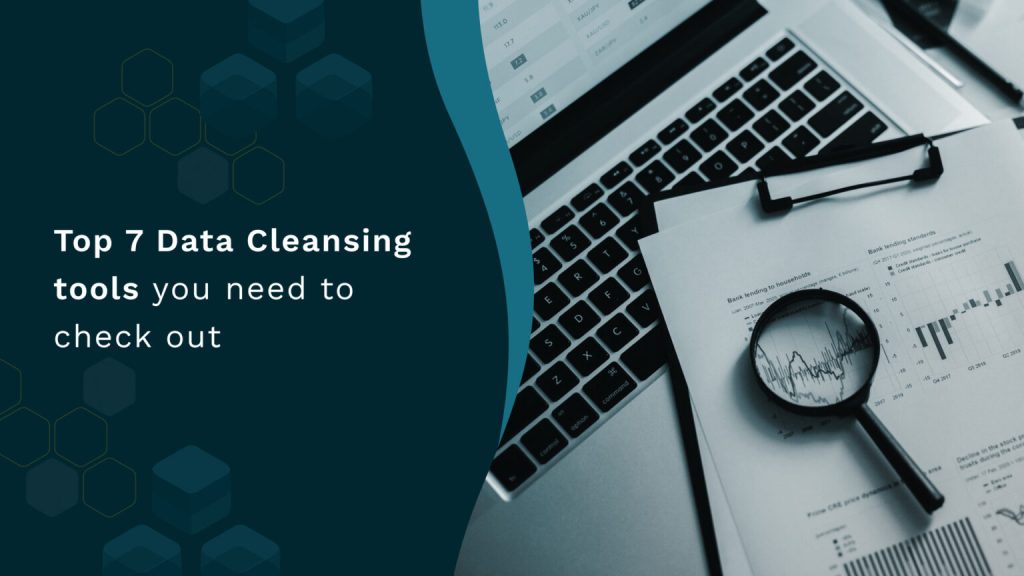
Data cleansing, also called data scrubbing, is the process of identifying and correcting or removing corrupt, inaccurate, or irrelevant data from a dataset. It’s essential for maintaining data integrity and making sure decisions get made on numbers that actually reflect reality.
Get our latest insights into your inbox

Why Your Company Needs It
Picture your best rep enthusiastically chasing a lead, only to find the phone number is wrong and the email bounced. That’s dirty data in action, and reps run into it constantly. Inaccurate, missing, or duplicated CRM information creates unnecessary friction for exactly the people trying to close deals, the equivalent of taking wrong turns across town: you might eventually arrive, but only after burning hours you didn’t need to.
Dirty data quietly costs a business in a few specific, compounding ways:
- Wasted time and resources. Reps spend hours chasing cold leads, fixing mistakes, or manually verifying details that should have been correct in the first place, time that should have gone toward actually selling.
- Missed opportunities. Inaccurate data creates a real blind spot: targeted outreach fails to reach existing customers, and prospecting misses new ones. A single bounced email address can be the difference between closing a big account and never hearing back.
- Poor decision-making. Dirty data skews reports and metrics, distorting the picture leadership is actually working from and leading to decisions that look reasonable on the dashboard and wrong in practice.
- Strained customer relationships. Irrelevant outreach or contacting the wrong person at an account reads as carelessness to the buyer, damaging trust and making the company look sloppy at exactly the moment it’s trying to build credibility.
Proper data cleansing turns chaotic, unreliable data into a single, trustworthy source of truth, and the tools below each take a different approach to getting there.
Top 7 Data Cleansing Tools for 2026
- Nektar, AI-powered CRM data hygiene, built to prevent dirty data at the source
- OpenRefine, free, open-source cleansing and transformation
- Tibco Clarity, enterprise-grade cloud data cleansing and management
- WinPure Clean & Match, specialist matching and deduplication
- Integrate.io, cloud ETL/ELT with built-in cleansing
- Melissa Clean Suite, address hygiene and verification
- Mammoth.io, no-code data transformation and cleaning
Overview of the 7 Best Data Cleansing Tools
1.Nektar
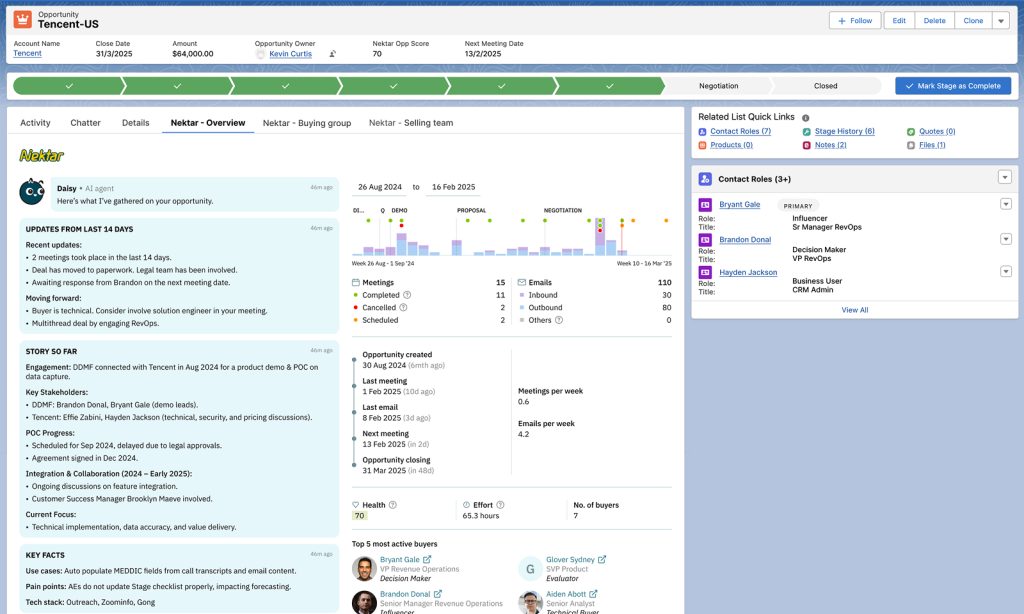
Salesforce data can quietly turn into a mess that undermines the reliability of every report built on top of it. Nektar addresses this differently than the other six tools on this list: instead of cleansing data after it’s already dirty, it automatically captures contact and activity data directly from email, calendar, and meetings, and writes it into Salesforce correctly structured from the start, preventing a large share of dirty data from ever entering the system in the first place.
Here’s how Nektar solves the problem specifically:
- Unmatched sync accuracy. Nektar doesn’t just import data at a basic level. It analyzes records using AI to establish links between accounts and opportunities, and assigns confidence scores to each match, cutting out redundant entries and giving reps a single, reliable view of what’s actually happening on an account.
- Time Travel for historical context. Nektar identifies past interactions, contacts, emails, meetings, tied to a given domain and links them into newly created opportunities, even ones that predate the opportunity’s own creation. This retroactive correction gives reps and managers real historical context on a live deal instead of a record that only starts the day someone remembered to create it.
- Effortless reporting. High-quality reporting depends on clean data underneath it. Nektar makes this straightforward by automatically syncing contacts, emails, and meetings directly into standard Salesforce objects, so a report reflects what actually happened rather than what got manually logged.
- Self-healing records. Nektar continuously learns and adjusts, updating CRM records as new information arrives and incorporating manual changes users make along the way, so the data stays accurate on an ongoing basis rather than degrading again right after a cleanup project ends.
- Smart contact creation. New contacts get created automatically and matched to existing accounts by domain, removing a repetitive manual task and keeping account records properly connected instead of fragmented across near-duplicate entries.
Unlike traditional data cleansing, which requires manual work or a separate third-party tool layered on top of a CRM, Nektar is an AI-powered solution that integrates directly with Salesforce and handles most of this automatically. It keeps learning and adjusting, so data stays clean and accurate on an ongoing basis, freeing reps from the grind of manual data entry so they can focus on actually closing deals.
2. OpenRefine
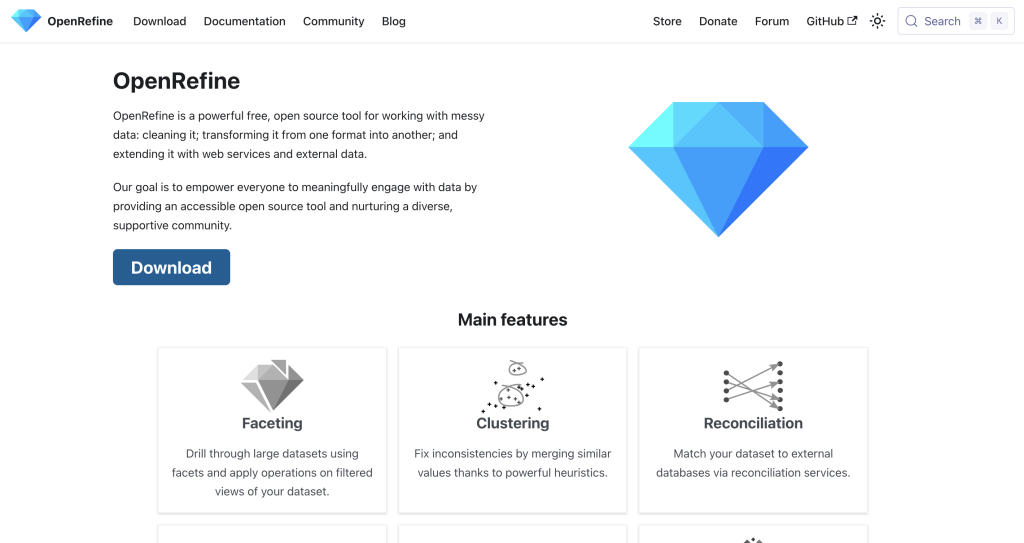
OpenRefine (formerly Google Refine) is a well-established open-source tool for cleaning and transforming messy data. It maintains data in a consistent format, sorts it according to your own rules, imports from web sources, and applies clustering algorithms to solve genuinely complex data-cleaning problems.
Where it stands out:
- Free and open source. Costs nothing to install and can be extensively customized.
- Broad functionality. Handles a wide range of transformation, cleansing, and parsing tasks across diverse data sources.
- A relational approach, stronger than a simple flat spreadsheet for handling connected data.
- Local, on-machine security, rather than uploading sensitive records to a cloud platform.
The tradeoff: OpenRefine’s interface is genuinely trickier than most commercial tools on this list, and it takes real technical comfort to use it well.
3. Informatica Data Quality
Informatica Data Quality is a large-scale, cloud-based data cleansing and governance platform aimed at bigger businesses with complex, high-volume data environments. It handles standardization, deduplication, matching, and profiling across data from virtually any source, with strong native ties into Salesforce specifically through Informatica’s Customer 360 product line.
Key features and benefits:
- Enterprise-oriented, built for complex data integration requirements and large datasets.
- Scalable, growing alongside your data needs rather than requiring a re-platform later.
- Advanced functionality, including AI-assisted matching, data lineage tracking, and ongoing data quality monitoring.
The tradeoff: Informatica’s enterprise-grade capability comes with enterprise-grade pricing and a longer initial setup, which makes it a weaker fit for small businesses or individual users.
4. WinPure Clean & Match
WinPure Clean & Match is a specialist tool focused on one specific job: matching and deduplicating records. It’s particularly useful for consolidating duplicates across different files or lists, with a genuinely user-friendly interface that works across Excel, SQL, CRMs, and plain lists.
How it helps:
- Highly specialized, purpose-built for duplicate management specifically.
- Accurate matching, using advanced algorithms for precise record comparison.
- Local data security, installed on-premise rather than requiring a cloud upload.
The tradeoff: WinPure isn’t as comprehensive as broader platforms on this list, and performance depends on local machine specs (RAM in particular) since processing happens locally rather than in the cloud.
5. Integrate.io
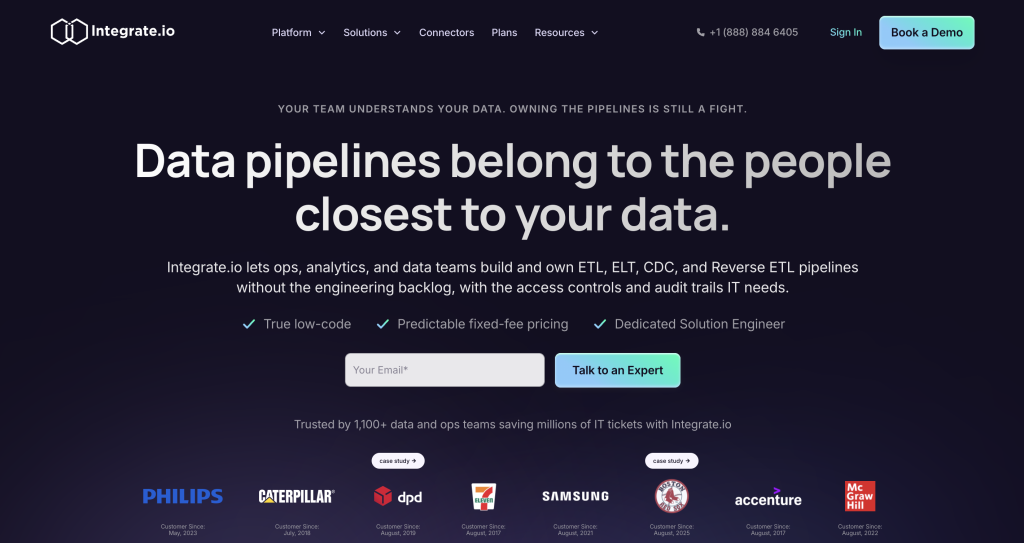
Integrate.io is a cloud-based integration platform (iPaaS) that connects different systems and applications through ETL and ELT data pipelines, with a no-code, drag-and-drop interface for setting up the process. Data cleansing isn’t a bolt-on here, it’s built into the platform itself, running as data moves from source to destination rather than as a separate step afterward.
Why use it:
- Integration and cleansing together. Data gets cleaned as it’s integrated, before it ever reaches your data warehouse or CRM.
- No-code setup. Data processes get automated through a low-code, drag-and-drop interface.
- Reliable analytics downstream, since clean data upstream produces trustworthy reports and dashboards.
- Scales with you as data volume grows, and is genuinely approachable for non-technical users.
6. Melissa Clean Suite
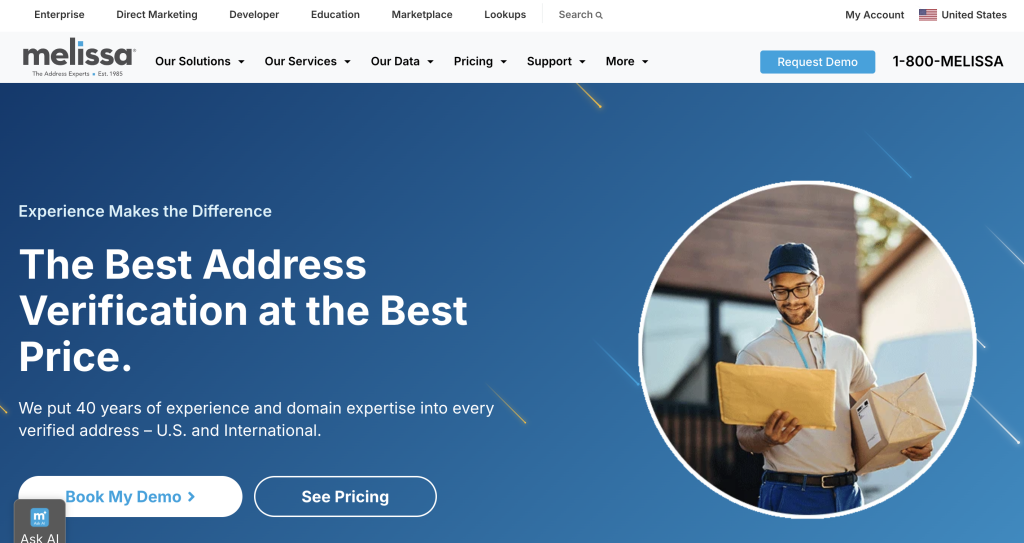
Melissa Clean Suite specializes specifically in address hygiene, keeping mailing lists and customer records complete and current. It flags a bad address instantly using real-time verification against three checks: does the address actually exist, does it include all required details (street, postal code, city), and does it follow standard postal formatting.
This is especially valuable for logistics, shipping, and delivery-dependent businesses, where a single bad address translates directly into an undelivered package and a real cost. Melissa goes further than flagging gaps, it enriches records with missing information (phone numbers, email addresses, demographic detail) and actively removes typos, outdated entries, and inconsistencies as part of the same pass.
7. Mammoth.io
Mammoth.io puts direct control of data in the hands of the people who actually own it, removing barriers between raw data and the people who need to work with it. It’s a single platform for bringing data together, merging it, and reshaping it, with automated workflows for repetitive tasks.
Why use it:
- Built for non-technical users. No IT prerequisite required to control your own workflows.
- Centralized data management, giving teams direct control over automated, repetitive tasks.
- Real transformation, not just cleaning. Beyond cleansing, Mammoth.io supports reshaping data into whatever structure you actually need.
Data Cleansing Tools Compared
|
Tool
|
Core Strength
|
Best Fit
|
|---|---|---|
|
Nektar
|
Prevents dirty data at the source, inside Salesforce
|
Salesforce-first revenue teams wanting hygiene automated, not cleaned up after the fact
|
|
OpenRefine
|
Free, open-source transformation
|
Technical teams wanting full control at no cost
|
|
Informatica Data Quality
|
Enterprise-scale cleansing and governance
|
Large organizations with complex, high-volume data
|
|
WinPure Clean & Match
|
Specialist deduplication
|
Teams whose main problem is duplicate records specifically
|
|
Integrate.io
|
Cleansing built into ETL/ELT pipelines
|
Teams wanting cleansing as part of integration, not a separate step
|
|
Melissa Clean Suite
|
Address hygiene and verification
|
Logistics, shipping, and delivery-dependent businesses
|
|
Mammoth.io
|
No-code transformation
|
Non-technical teams needing direct control over their own data
|
Top Data Cleansing Strategies
- Set clear goals and needs. Before diving in, know what kind of data you have and what you’re actually trying to achieve, removing duplicates, standardizing formats, or filling in missing information are three different projects with three different tools.
- Identify and address data quality issues. Use profiling tools to surface typos, inconsistencies, and null values, then remove duplicate records, expired information, and formatting mismatches systematically rather than by spot-checking.
- Establish data governance and monitoring. Set clear guidelines for maintaining quality across every database, and check for new issues on a real cadence rather than waiting for a problem to surface in a report.
- Train the people entering the data. Everyone touching the CRM needs to understand what clean data actually requires and why it matters, not just the RevOps team running the cleanup project.
Why Prevention Beats Cleanup, Especially With AI in the Mix
Every tool on this list does real, useful work. But there’s a meaningful difference between tools that clean data after it’s already dirty and a system that prevents dirty data from accumulating in the first place, and that difference matters more now than it used to. A growing share of CRM data is read and acted on directly by AI agents, updating fields, flagging risk, triggering workflows, without a person reviewing the change first. A batch cleansing project run once a quarter still leaves the CRM dirty for most of the time in between, which is exactly the window an AI agent might be acting on bad data without anyone catching it.
Frequently Asked Questions
Q. How much does dirty data actually cost a business?
Gartner’s widely cited estimate is $12.9 million per organization annually, based on 2020 research that remains the standard industry reference point. Gartner has separately found that only 3% of data meets basic quality standards across the organizations it studied.
Q. Should I clean data manually or automate it?
Manual cleansing works for small, one-time projects but doesn’t scale, and it leaves the door open for the same errors to reaccumulate immediately afterward. Automated capture and validation at the point of entry is the only approach that keeps pace with how quickly new dirty data gets created.
Q. Why does data cleansing matter more now that companies use AI agents?
Because AI agents increasingly act on CRM data directly rather than a person reviewing it first. Dirty data that used to just produce a misleading report can now produce a wrong automated action, which raises the value of preventing dirty data at the source over periodically cleaning it up after the fact.
Prevent Dirty Data Instead of Cleaning It Up Later
Every tool on this list solves a real piece of the data cleansing problem. The highest-leverage move is preventing dirty data from entering your CRM in the first place, rather than running a cleanup project every quarter to catch what already got in.
Get a free CRM scan to see how much dirty data is currently sitting in your own Salesforce instance, or explore Nektar’s Data Foundation to see how automated capture keeps it that way going forward.
Enjoyed our content? Follow Nektar on LinkedIn